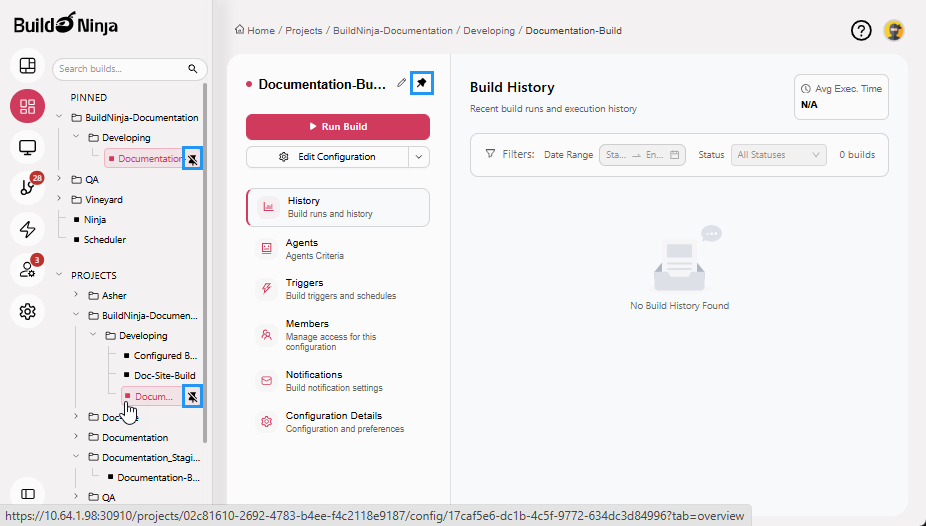
Pin Projects and Builds
Pinning projects and builds enables you to keep your frequently visited projects and builds within easy reach, allowing quick access without the need to search or scroll through long lists.
Pin Project
-
Navigate to Projects
 to access the project management interface.
 -
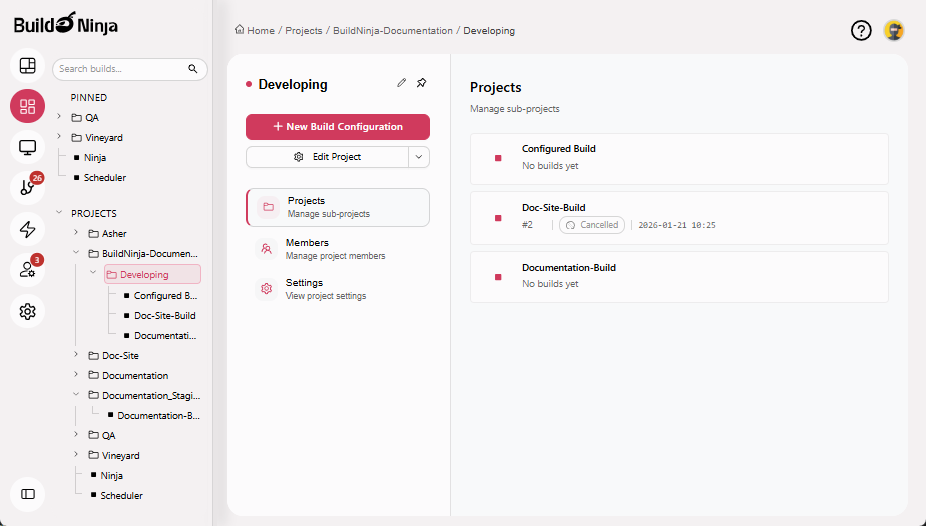
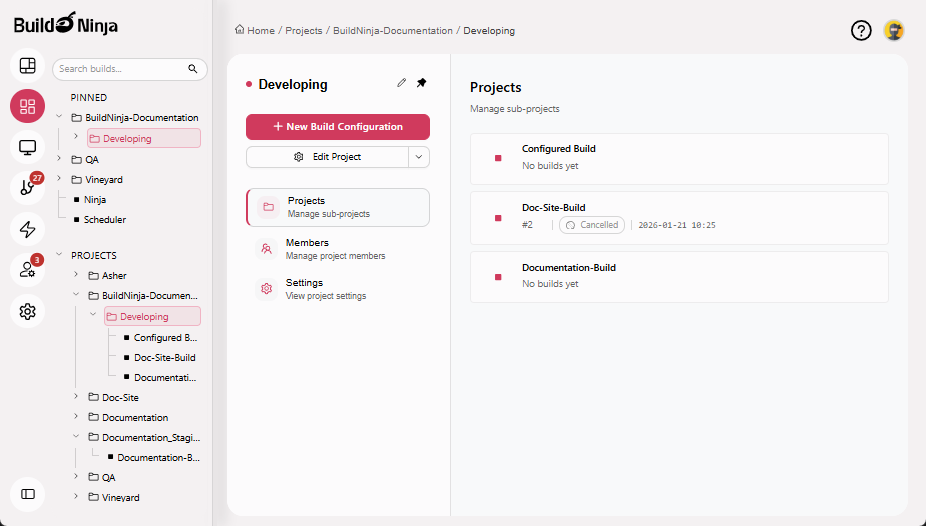
Navigate to the project you want to pin.
-
Click Pin Icon next to the project name.
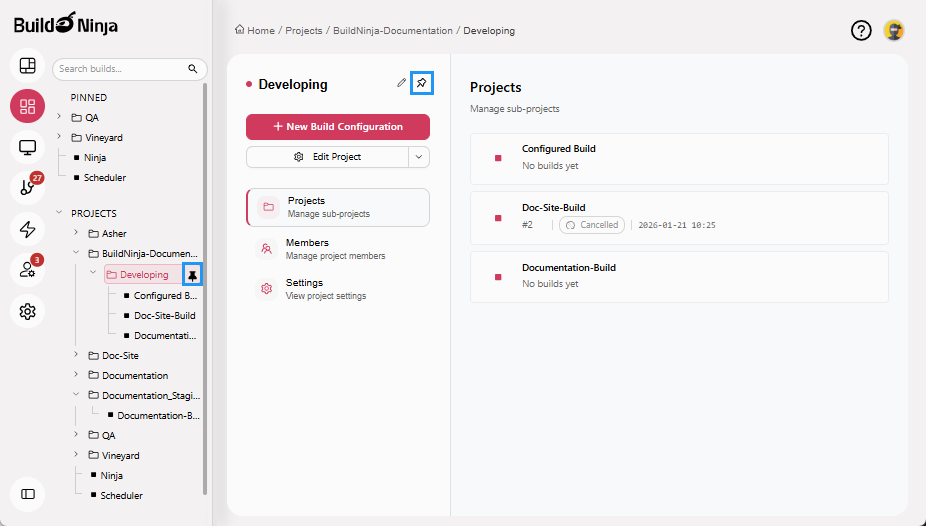
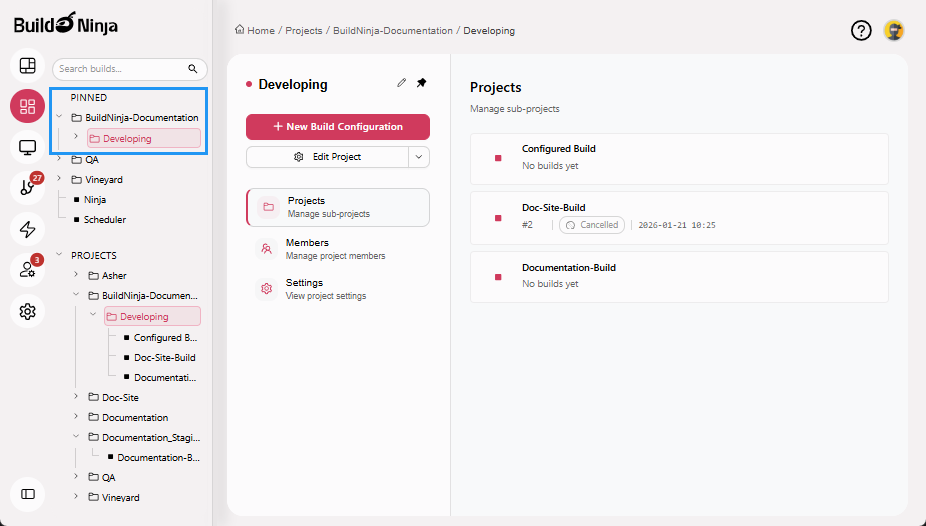
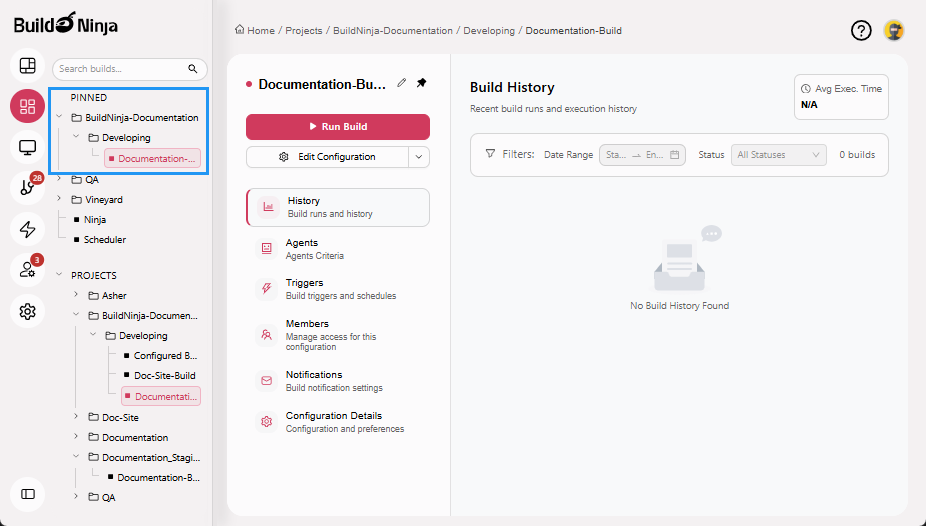
The project will now appear in the PINNED section at the top of your project list.
Unpin Project
-
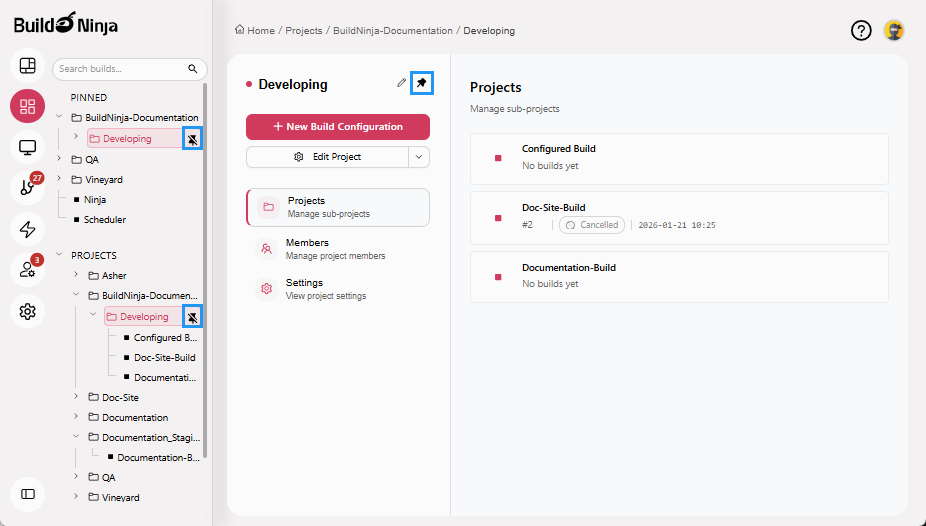
Navigate to the project you want to unpin.
-
Click Unpin Icon next to the project name.
Pin Build
-
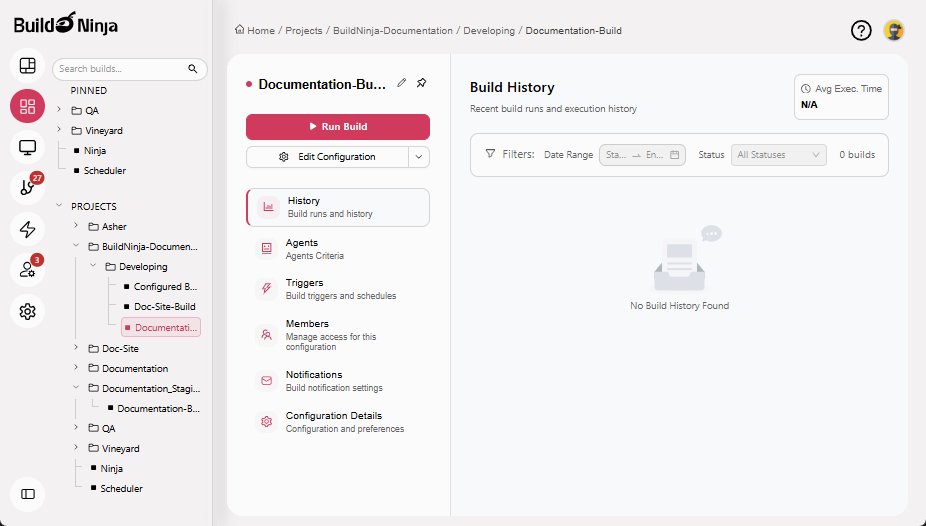
Navigate to the build configuration you want to pin.
-
Click Pin Icon next to the build configuration name.
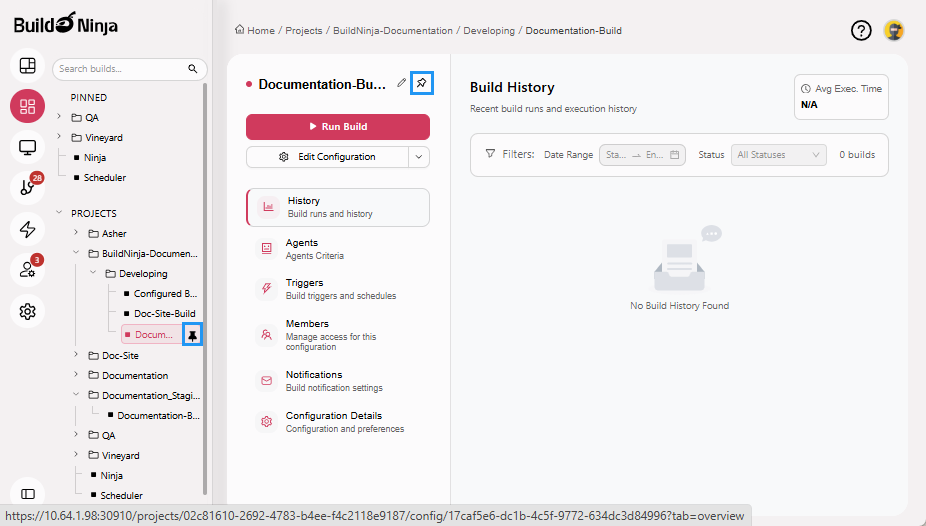
The build configuration will now appear in the PINNED section at the top of your project list.
Unpin Build
-
Navigate to the build configuration you want to unpin.
-
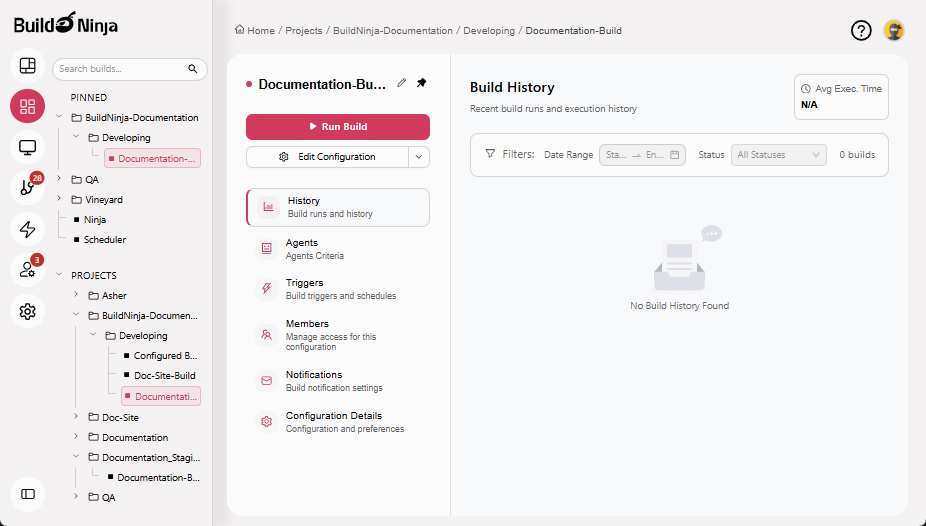
Click Unpin Icon next to the build configuration name.