Manage Builds Queue
Queue  displays builds that are waiting to be executed. It helps you monitor pending builds, reorder their execution priority, or cancel unnecessary ones you no longer need.
Reorder Build Queue
-
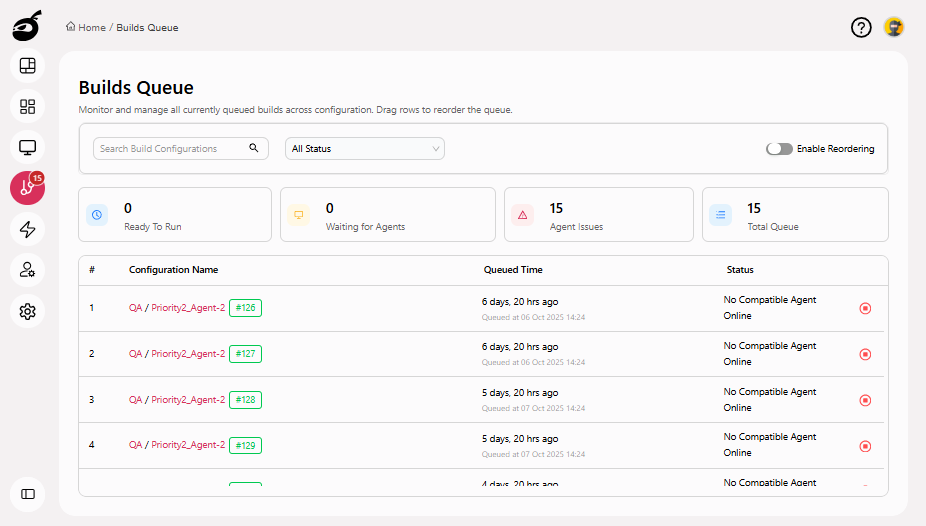
Navigate to Queue
.
-
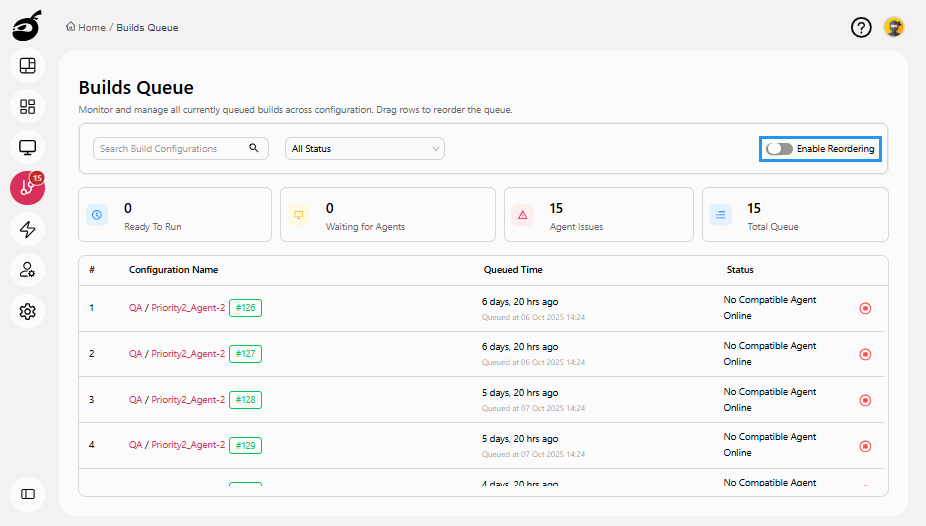
Click Enable Reordering.
-
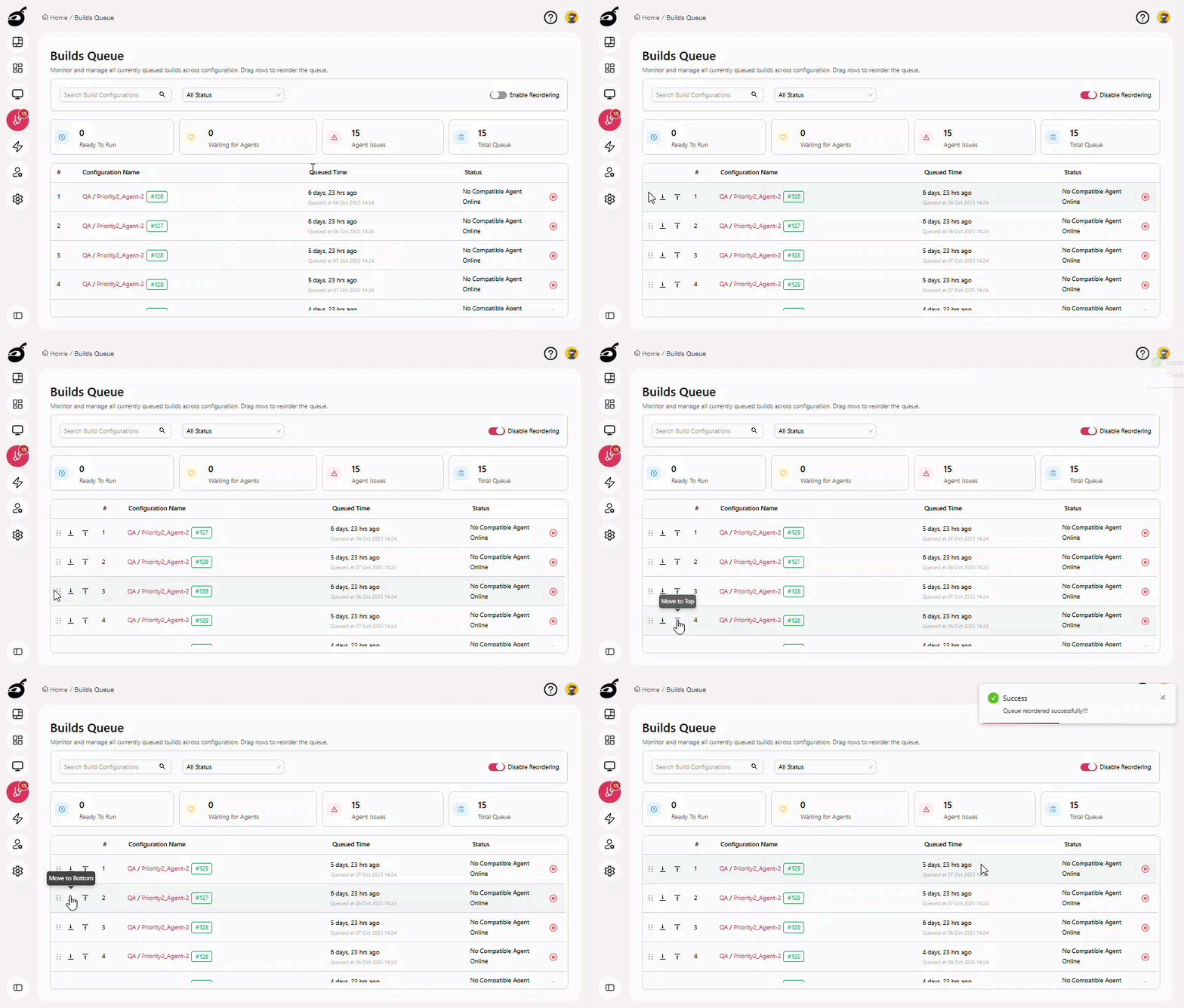
Locate the build you want to prioritize, then use the Drag Handle or the Up and Down arrows to move it to the desired position in the queue.
-
Click Disable Reordering to lock the new order.
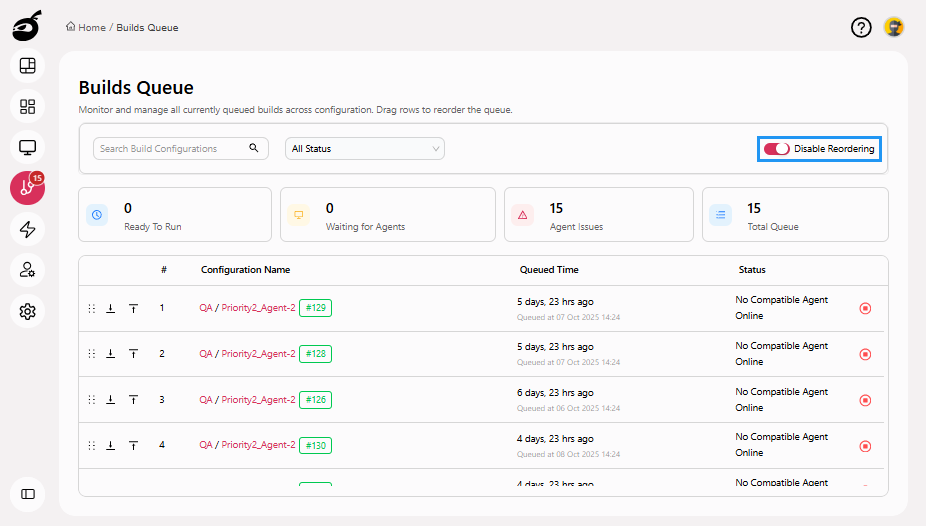
BuildNinja automatically updates the queue and begins processing builds based on the new order.
Cancel Queued Build
-
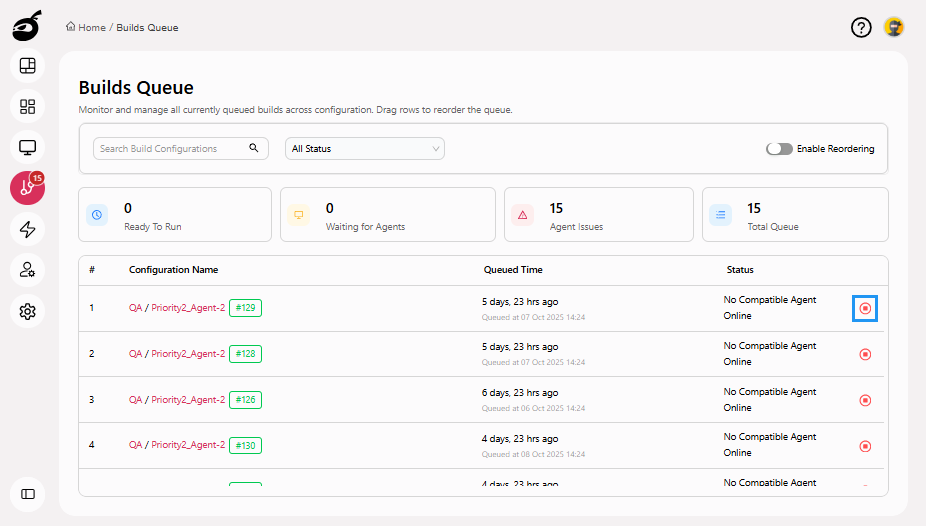
Locate the build you want to cancel from the list of queued builds and click Stop Running Build button to cancel the build.
Search and Filter Builds in Queue
You can quickly locate builds using the search bar or narrow down the view using filters based on their status.
Search Builds
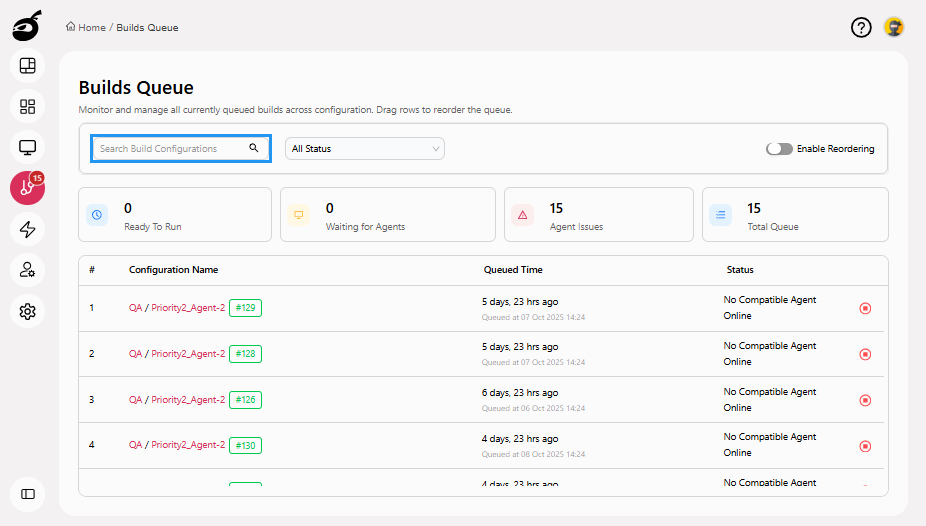
Use the Search Bar to find builds in the queue by entering keywords such as build name, project name, or build number. This helps you quickly locate specific builds without scrolling through the entire queue.
Filter Builds
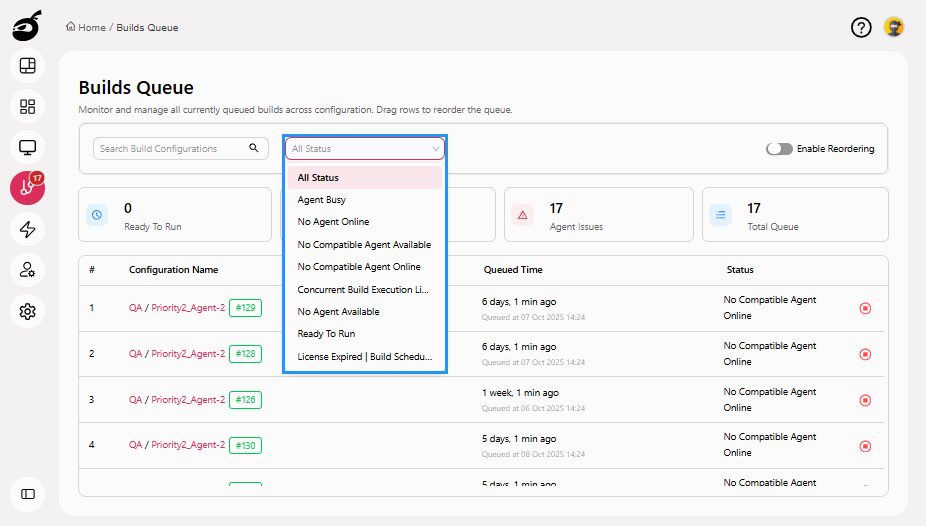
Use the Filter Dropdown to narrow down the queue view by queue status:
| Filter Option | Description |
|---|---|
| All | Displays all builds currently in the queue. |
| Agent Busy | Shows builds waiting because all available agents are currently occupied. |
| No Agent Online | Shows builds waiting because no agents are online. |
| No Compatible Agent Available | Shows builds that require a specific agent type that is not available. |
| No Compatible Agent Online | Shows builds that require a specific agent type, but none of those agents are currently online. |
| Concurrent Build Execution Limit Reached | Shows builds waiting because the maximum allowed number of concurrent builds has been reached. |
| No Agent Available | Shows builds waiting because there are no agents available to process builds. |
| Ready To Run | Displays builds that meet all requirements and are ready to start execution as soon as an agent is available. |
| License Expired | Build Scheduling Disabled | Shows builds that cannot start because the license has expired and build scheduling has been disabled. |