Copy Builds
BuildNinja allows you to duplicate an existing build configuration to quickly create a similar setup without starting from scratch. This is useful when replicating build settings, steps, triggers, or parameters for different projects or environments.
To copy a build configuration:
-
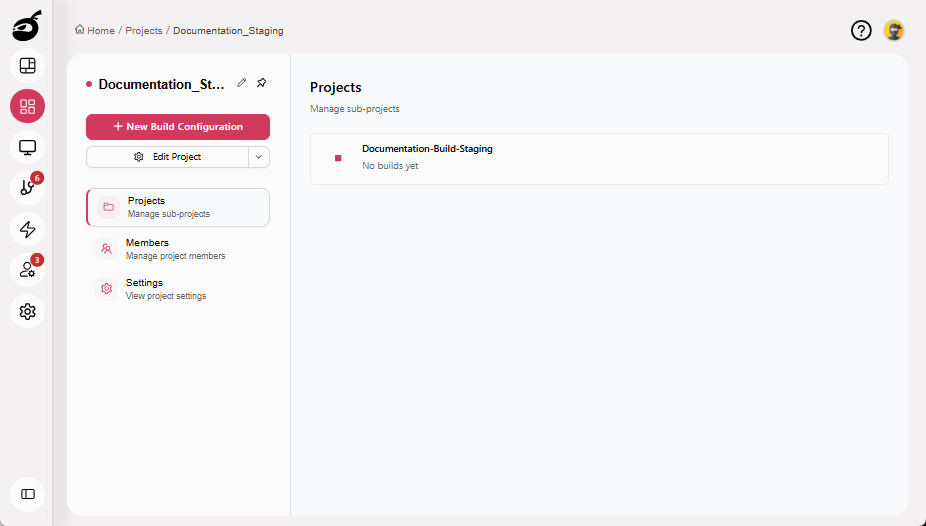
Navigate to Projects
 to access the project management interface and select the build configuration you want to duplicate.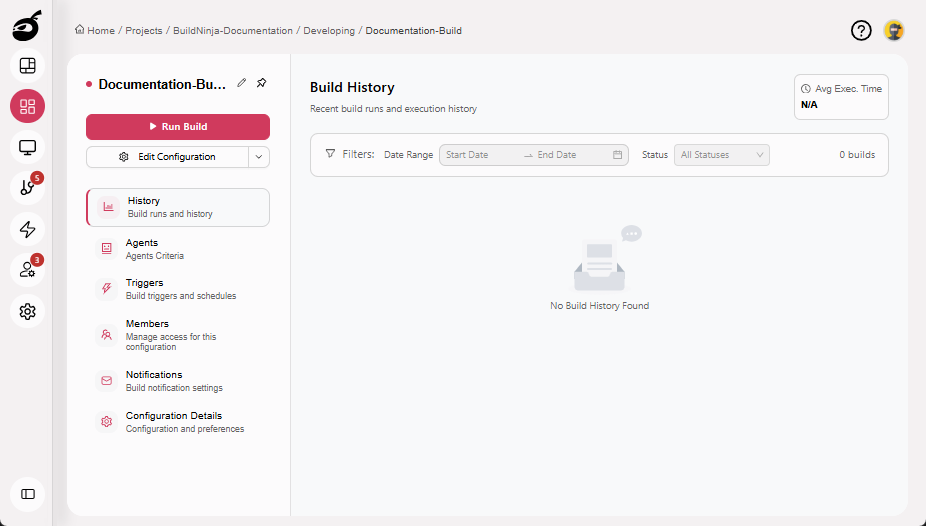
-
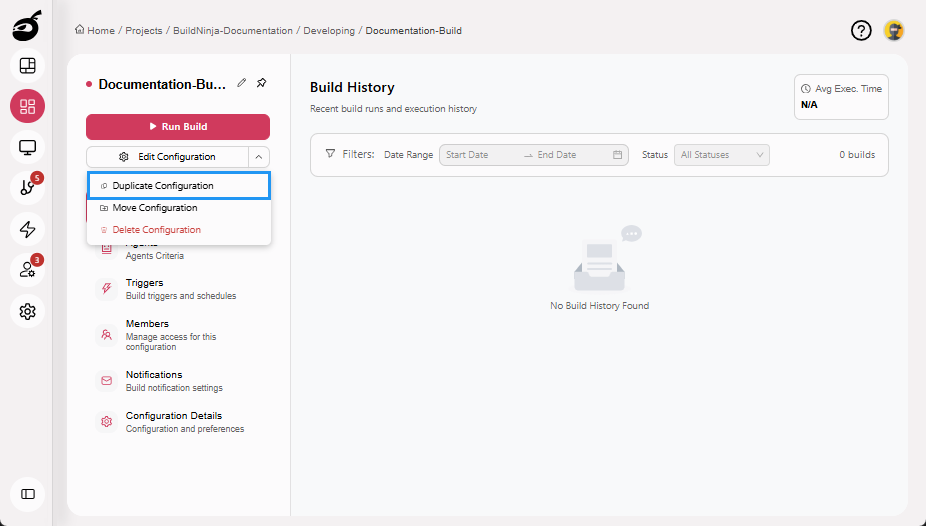
Click More Options dropdown and choose Duplicate Configuration.
-
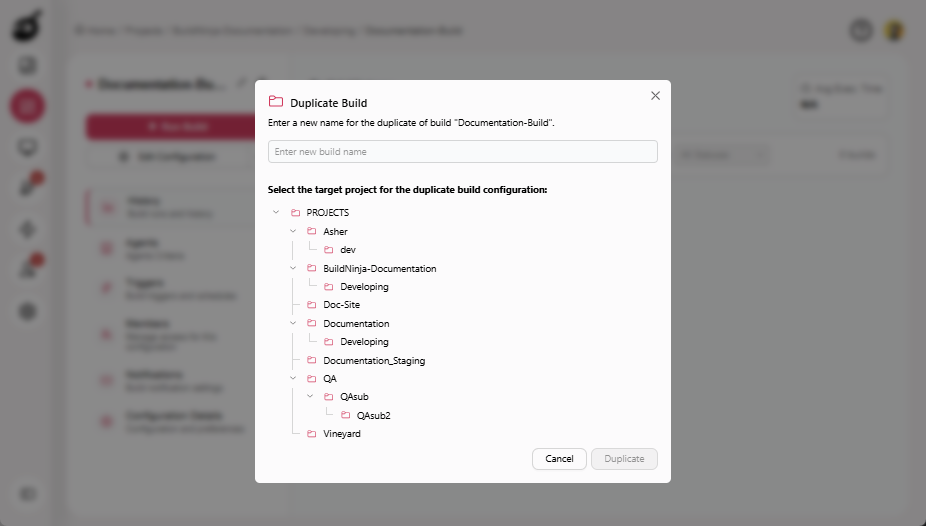
BuildNinja will prompt you to name the new build configuration and choose the target project where you want to duplicate the build configuration. Enter a new name for the duplicated build configuration and select the target project.
-
Click Duplicate to duplicate the build configuration.
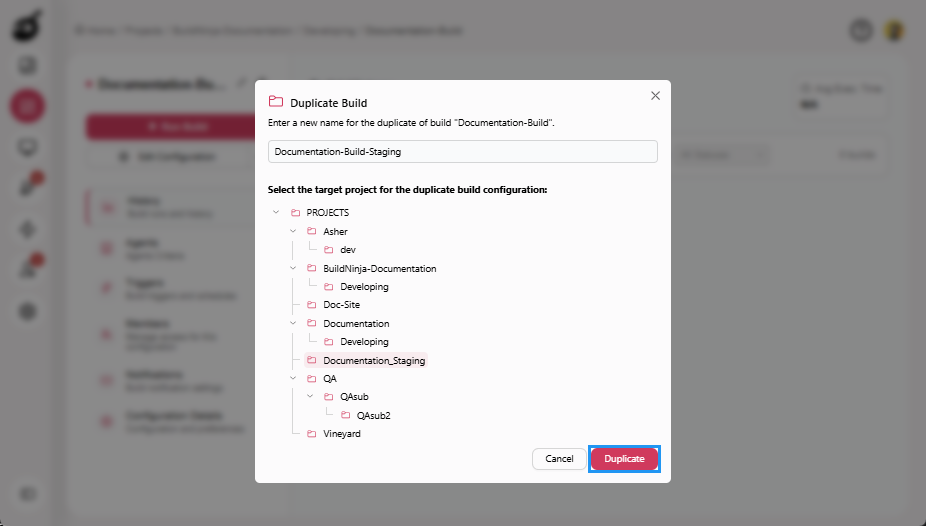
The new build configuration will be created in the selected target project.
Artifacts, logs, and historical build data are not duplicated; only the configuration is duplicated.