Configure Build Notification Settings
BuildNinja enables you to configure Notification Settings at the build configuration level. These settings define how and when you receive alerts for your builds. Notifications typically trigger on events such as build success, failure, or completion.
To set up notification settings at the build configuration level:
-
Navigate to Projects
 to access the project management interface.
 -
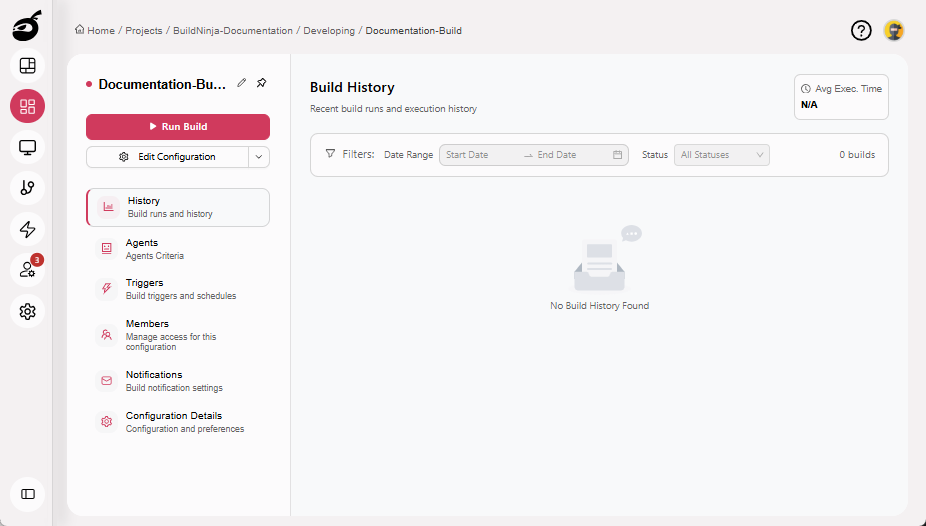
Navigate to the build configuration where you want to add notifications.
-
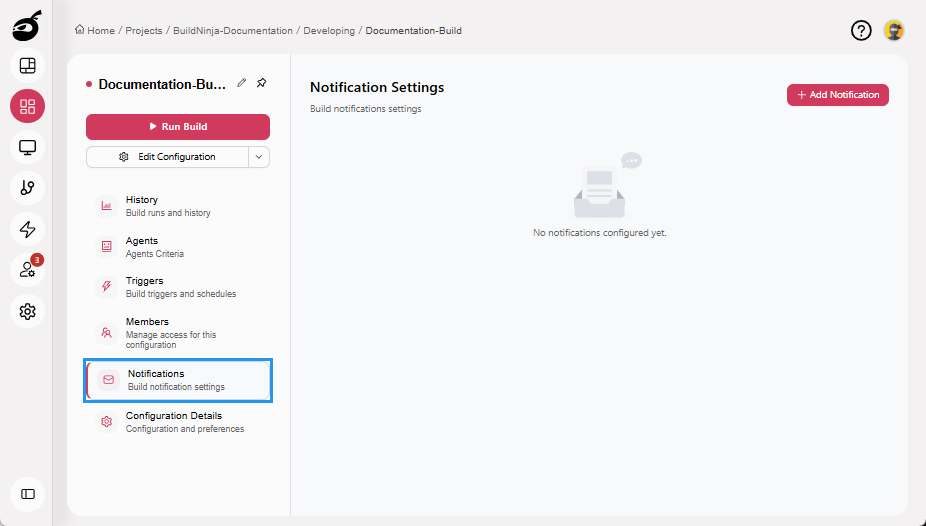
Open the Notifications tab.
-
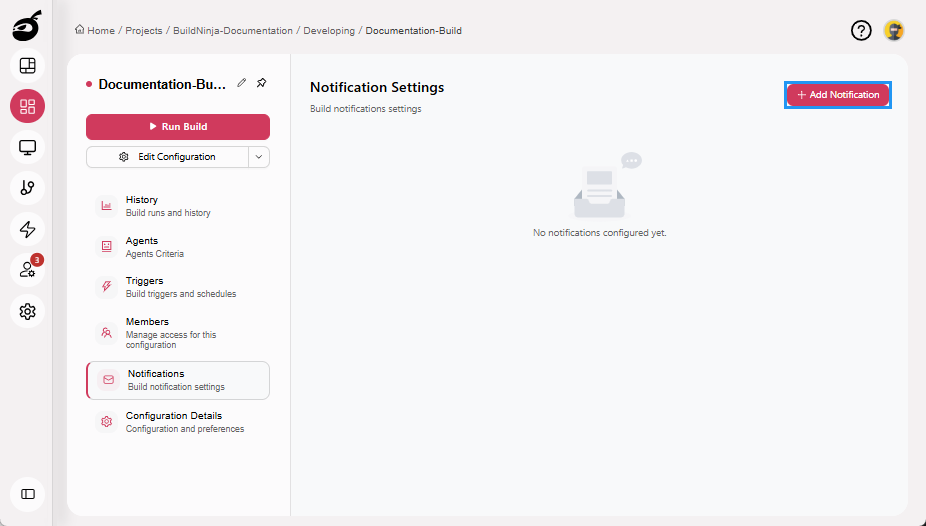
Click Add Notification.
-
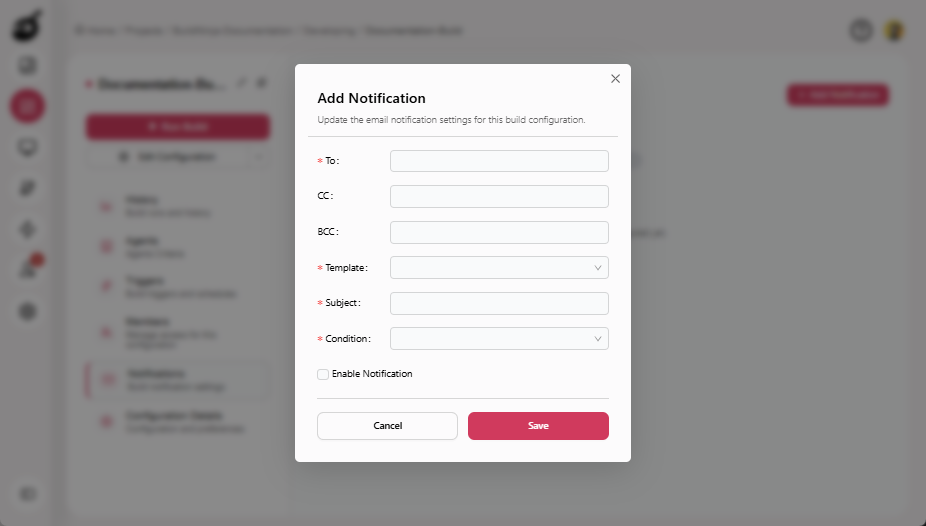
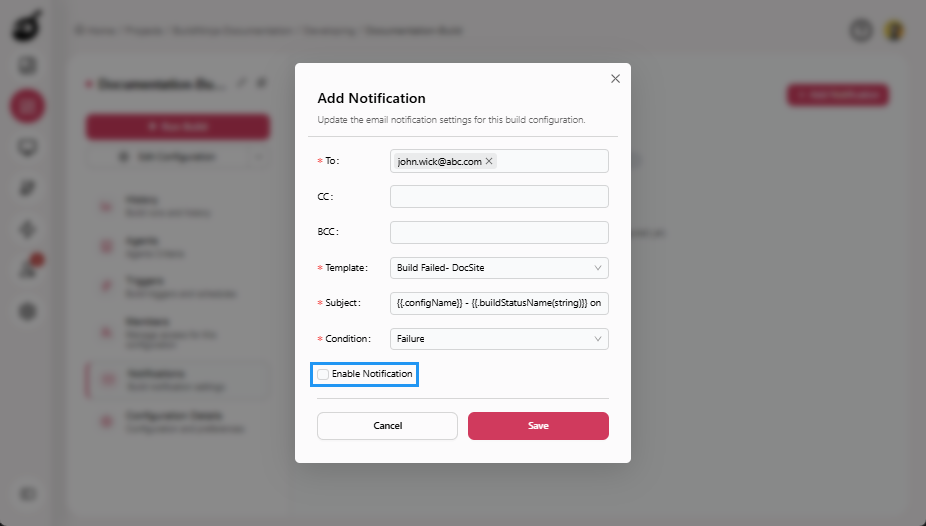
Provide the following details:
- To: Primary recipients of the notification.
- CC: Secondary recipients of the notification.
- BCC: Hidden recipients of the notification.
- Template: The email template to use for the notification.
- Subject: The subject line of the notification email.
- Condition: The build event that triggers the notification.
-
(Optional) Check Enable Notification checkbox to automatically activate the notification after saving.
-
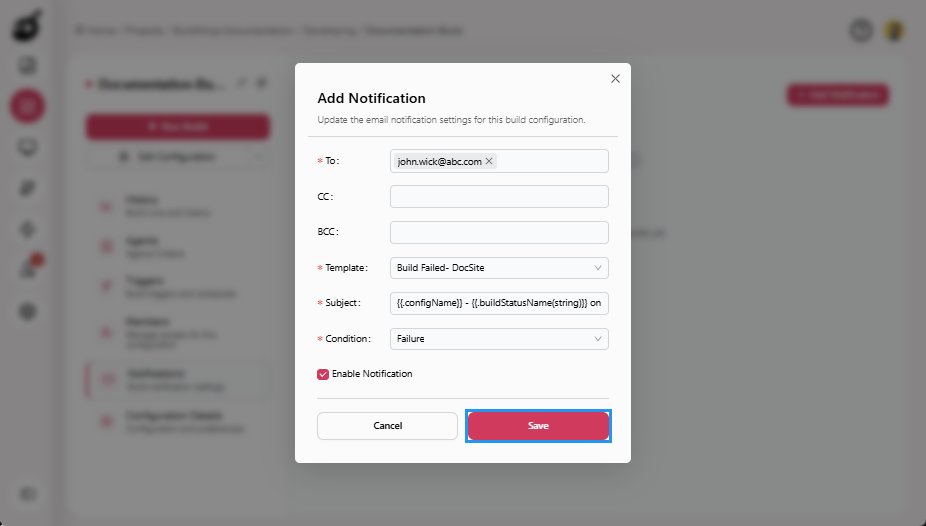
Click Save to save the settings.
The notification is now active and will send alerts automatically when the specified condition occurs.
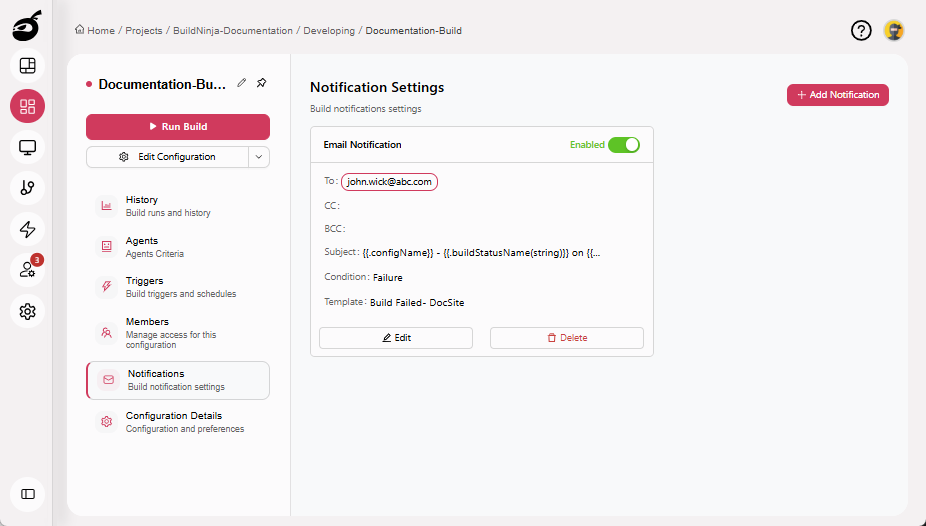
- You can add multiple notifications for different events within the same build configuration.
- Administrators configure the system-wide notifier. Project users can only create notification rules that use it.