Run Builds
Running a build is the core action in your CI/CD process. It initiates executing a predefined sequence of steps, such as compiling code, executing tests, validating artifacts, and preparing for deployment.
In BuildNinja, builds are managed through build configurations, which define what the build does and under what conditions it should run. You can trigger the builds manually via the web interface.
To manually run a build:
-
Navigate to Projects
 to access the project management interface.
 -
Select the build configuration you want to run and click Run Build.
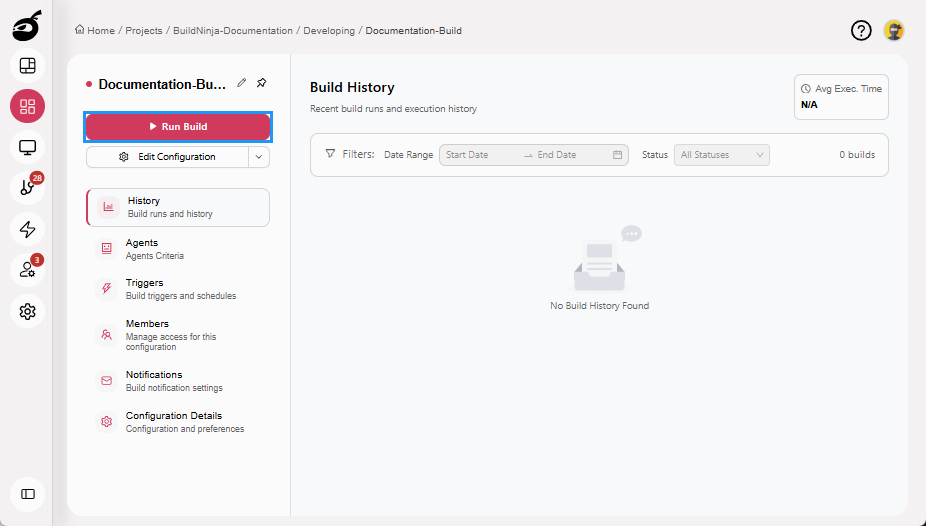
The build enters the queue and is executed automatically once an agent is available.