Reset Agent
Reset allows you to clear the agent’s state and reinitialize its connection with the server. This is useful when troubleshooting, recovering from configuration issues, or preparing the agent for redeployment. To refresh an agent:
-
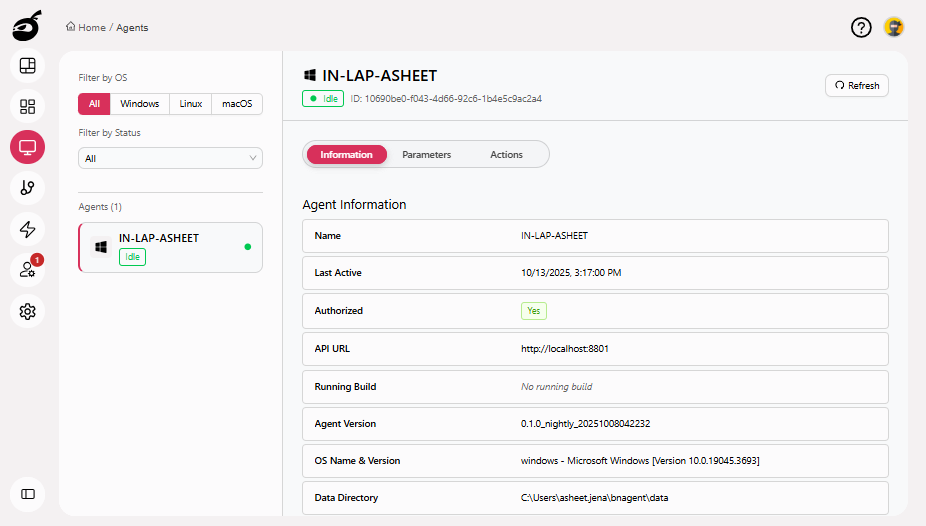
Locate the agent you want to reset.
-
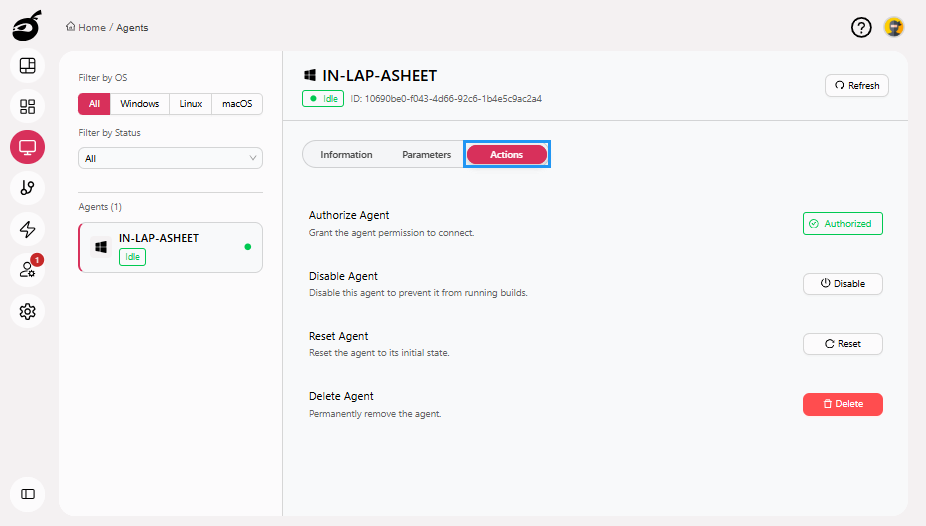
Go to Actions tab.
-
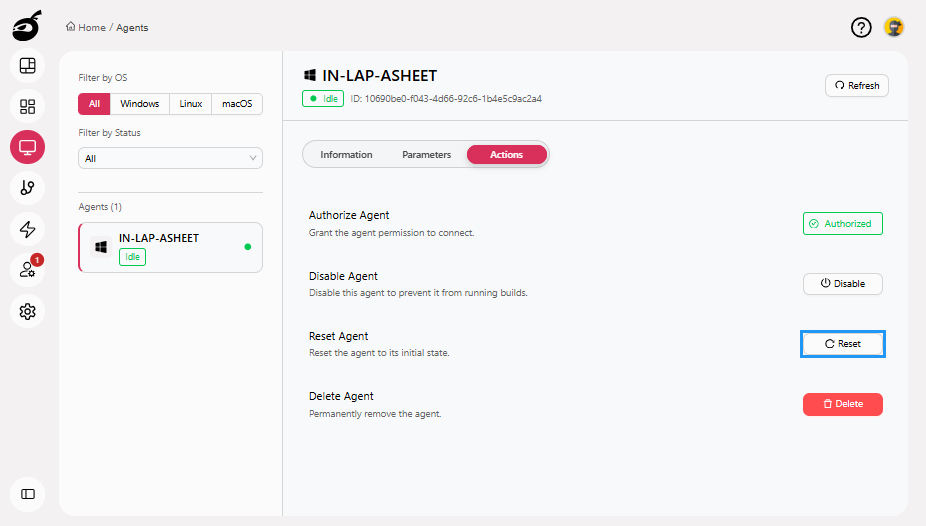
Click Reset button.
-
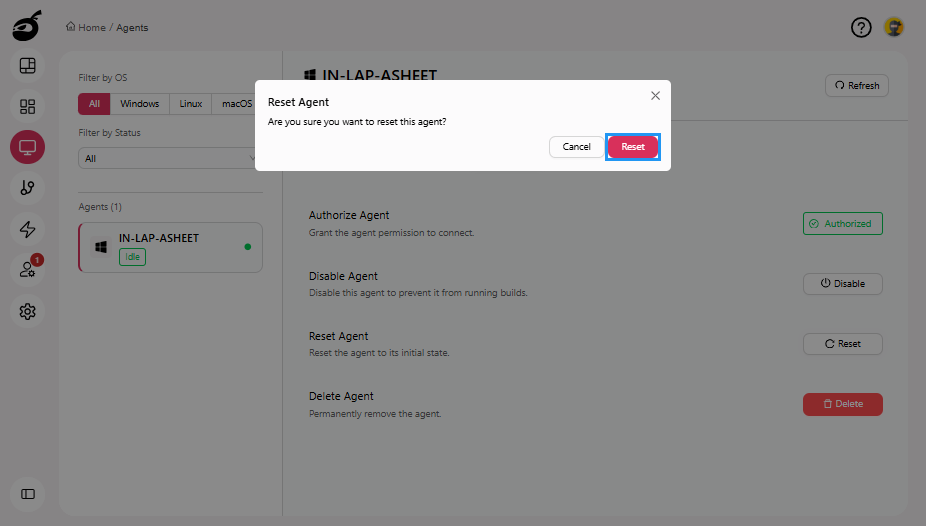
BuildNinja will prompt you for confirmation. Click Reset to proceed with resetting the agent.