Delete Agent
Delete allows you to remove the agent from the BuildNinja server permanently. This action is useful when an agent is decommissioned, no longer required, or being replaced. Once deleted, the agent must be re-registered to connect again. To delete an agent:
-
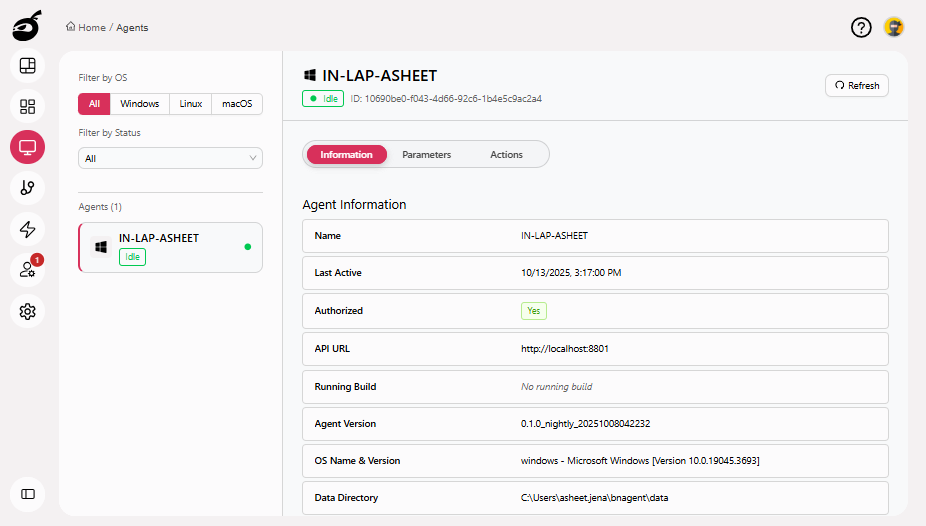
Locate the agent you want to delete.
-
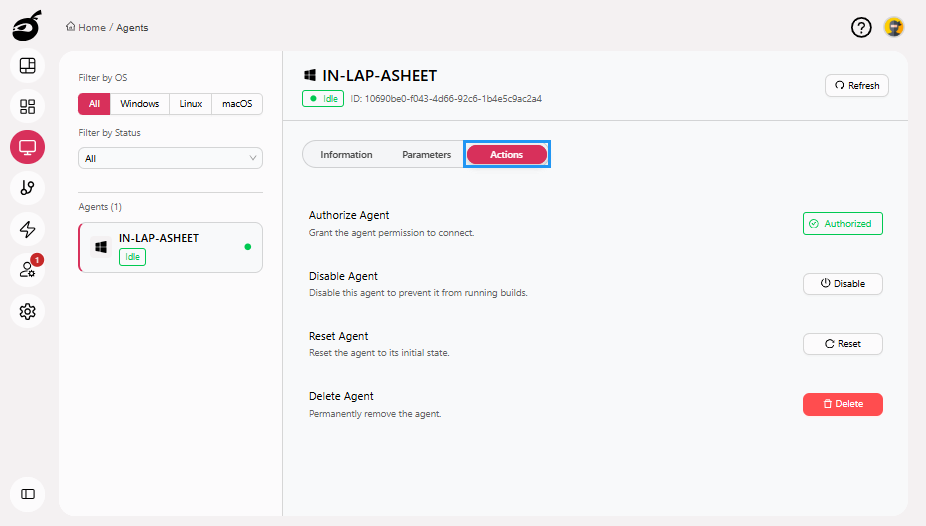
Go to Actions tab.
-
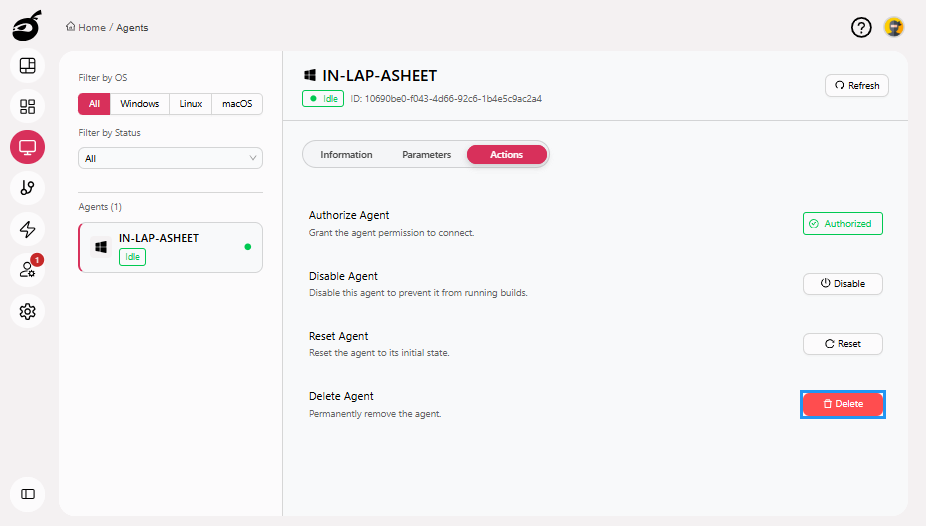
Click Delete button.
-
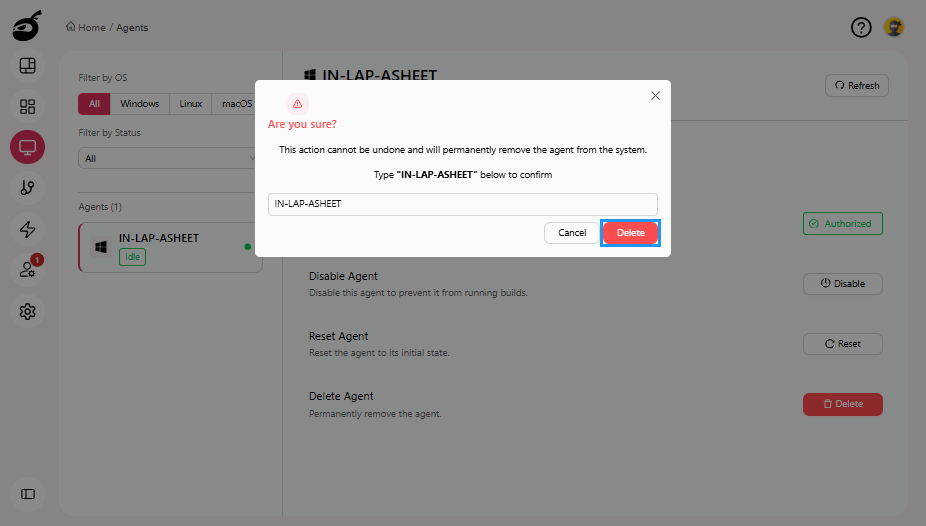
BuildNinja will prompt you for confirmation. Enter the agent name and click Delete to delete the agent.