Authorize Agent
When a new agent first registers with the BuildNinja server, it appears in the Agents interface in an unauthorized state. To authorize a newly registered agent:
-
Navigate to Agents
 to access the agent management interface.
 -
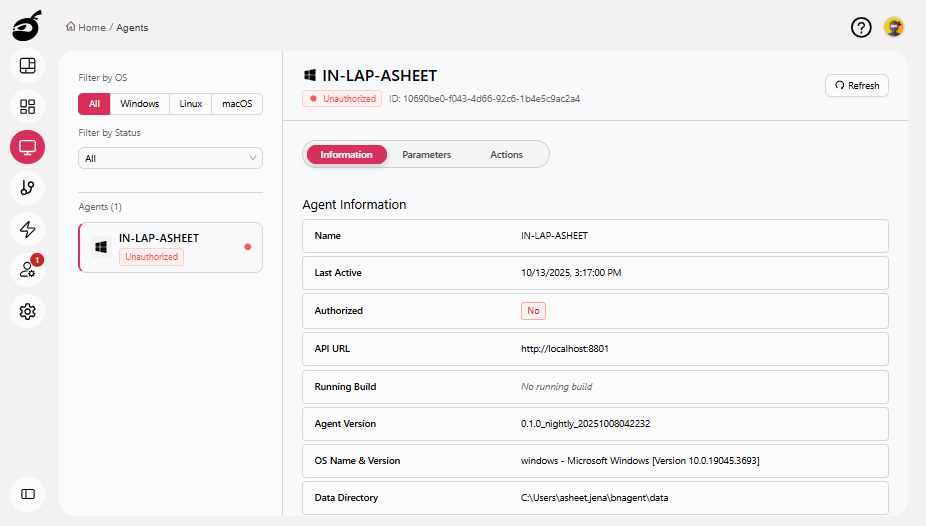
Locate the agent in the list. Unauthorized agents are clearly labeled.
-
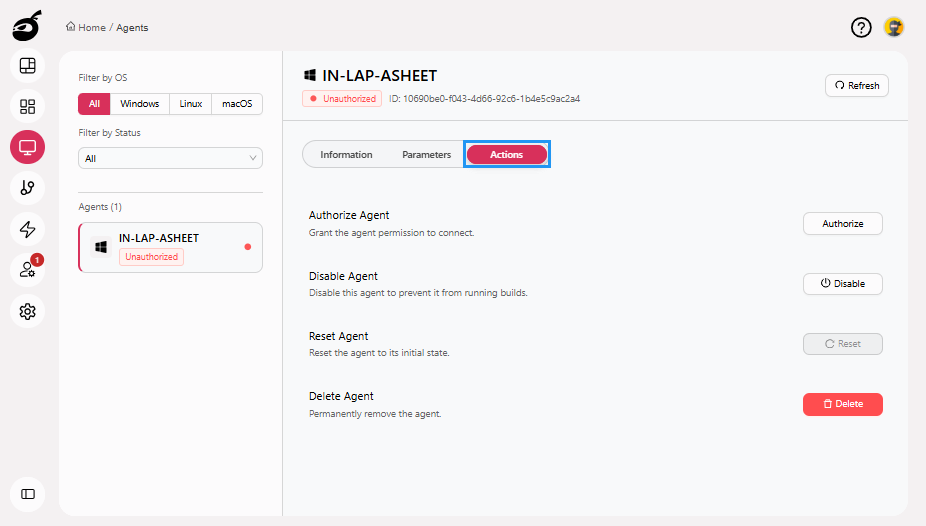
Go to Actions tab.
-
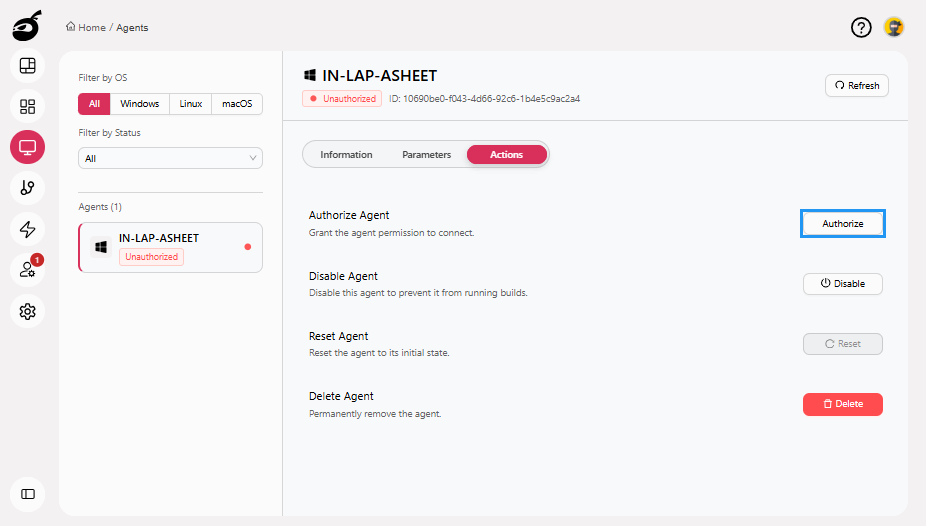
Click Authorize. Once authorized, the agent will be available to run builds.
note
Authorization is a one-time action required for all the new agents to ensure secure access to the server.