Refresh Agent
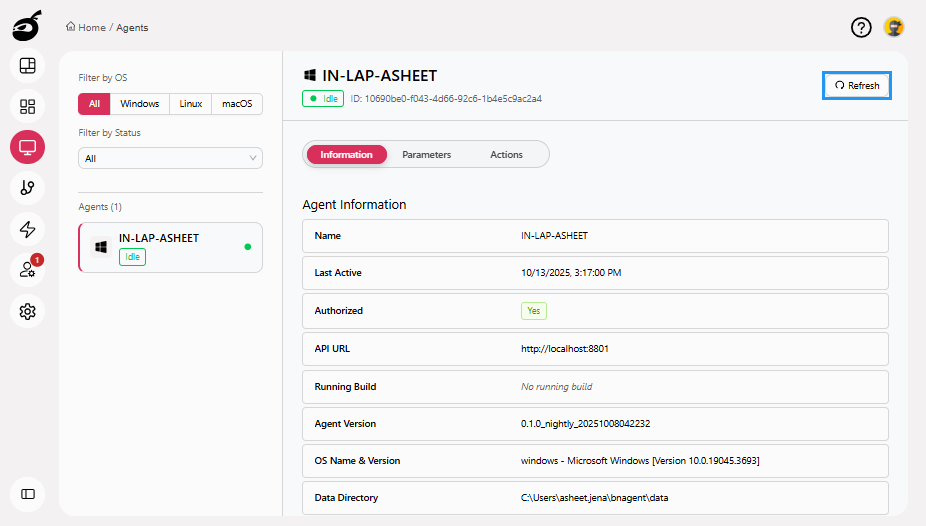
You can refresh an agent to update its system properties and environment configuration. This is particularly useful after OS-level changes or adjustments to BuildNinja settings. To refresh an agent:
-
Locate the agent you want to refresh.
-
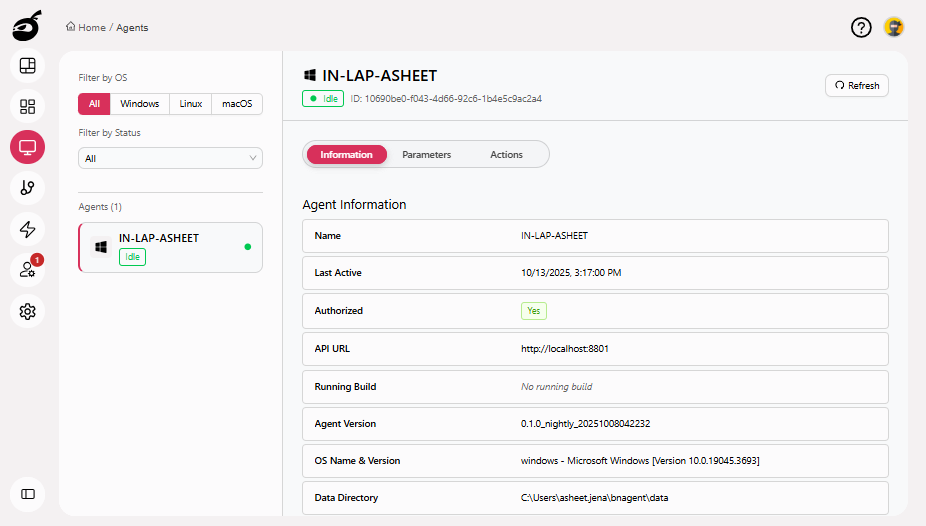
Click Refresh to reload the agent’s details from the host system.