Users
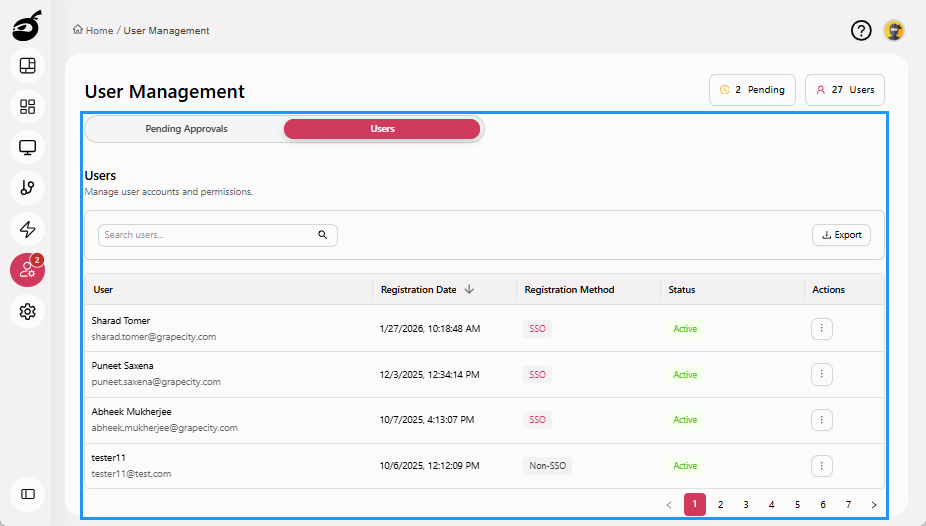
Users  provides access to user management and permission settings across the system. It allows administrators to control who can access the platform and manage administrative privileges. Within Users, you can:
- View a list of all registered users along with their status
- Approve or reject user access requests
- Block or unblock users when access is no longer needed
- Grant or revoke System Admin access for users
- Quickly locate users by searching by name or email
- Export a log of registered users and access requests pending approval
Users Tabs
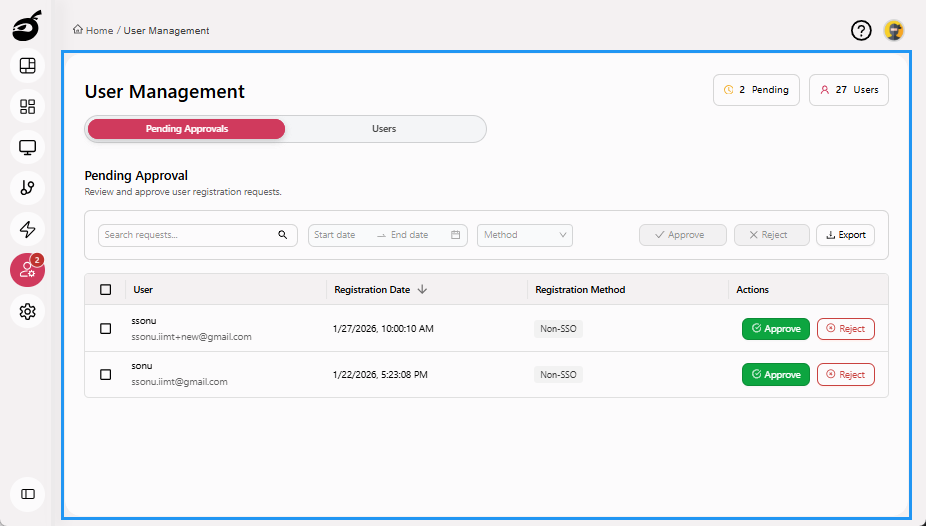
The following tabs are available to help you interact with user-related settings:
-
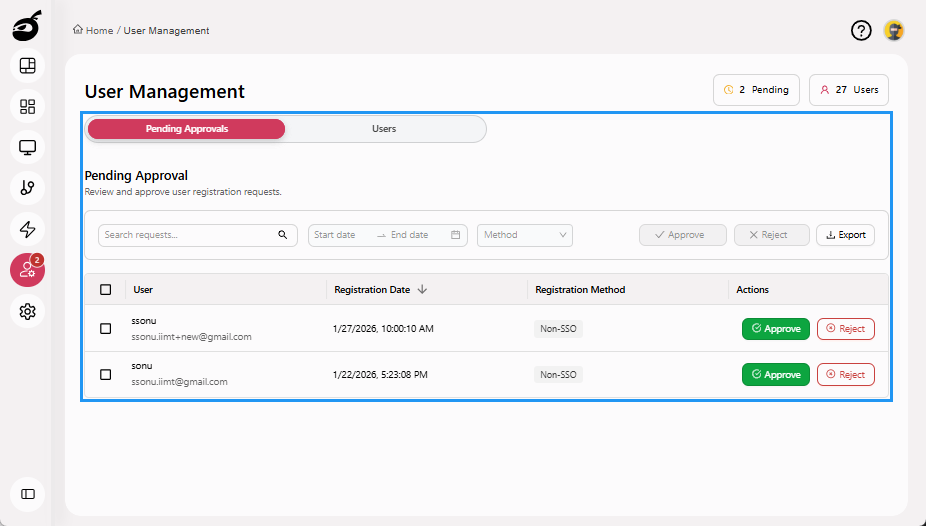
Pending Approvals: Displays a list of users who have requested access, allowing administrators to approve or reject requests. It includes registration date, registration method, and options to search, filter, and export pending requests for record-keeping or audit purposes.
-
Users: Displays all registered users along with their registration date, registration method, and current status. Administrators can search users, export user records, reset passwords, block or unblock user accounts, and grant or revoke System Admin access for effective system-wide user management.