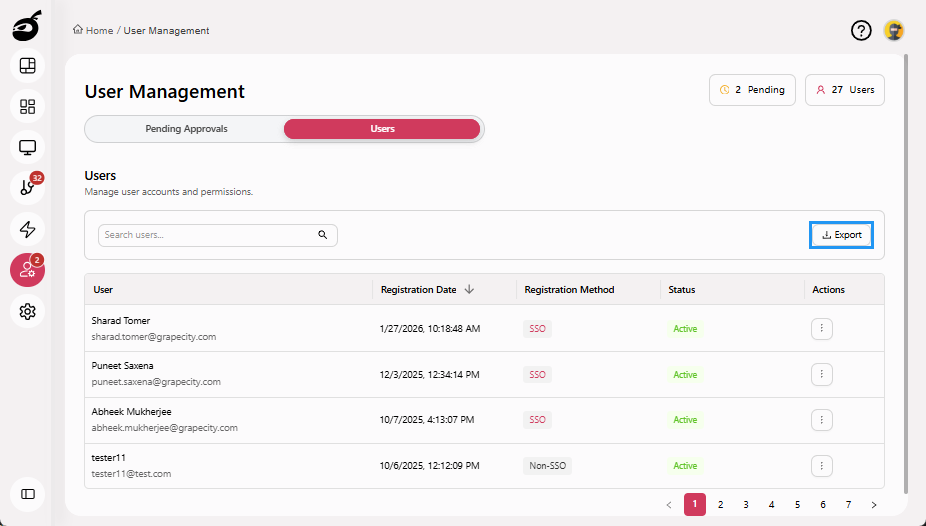
Export Logs
Administrators can export logs from BuildNinja for auditing, reporting, and compliance purposes. This includes exporting logs of pending requests and a complete list of all users in the system.
Exporting logs, such as user registration data or pending requests, provides visibility into system activity and supports external analysis. You can export user-related data in a structured CSV format, including relevant details for easy processing and record-keeping.
Export Pending Requests Log
-
Navigate to the Users
 . By default, the Pending Approvals tab is displayed.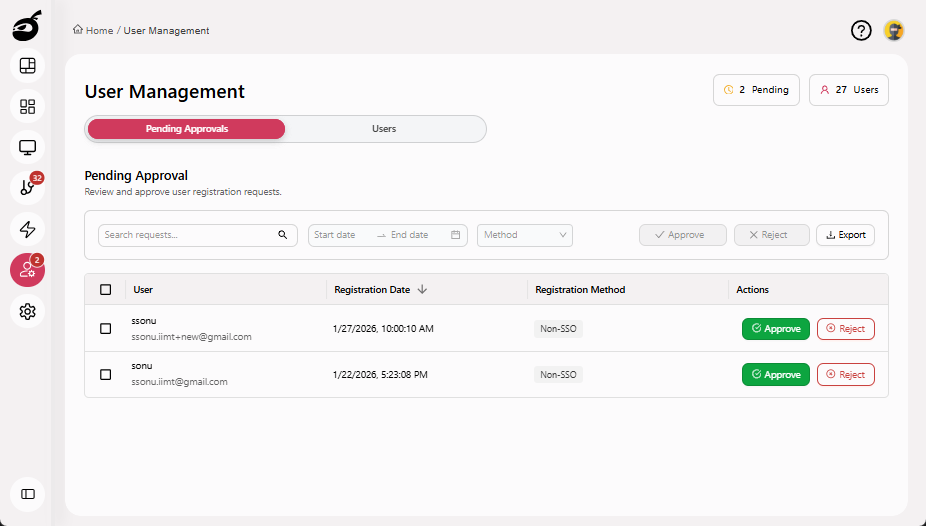
-
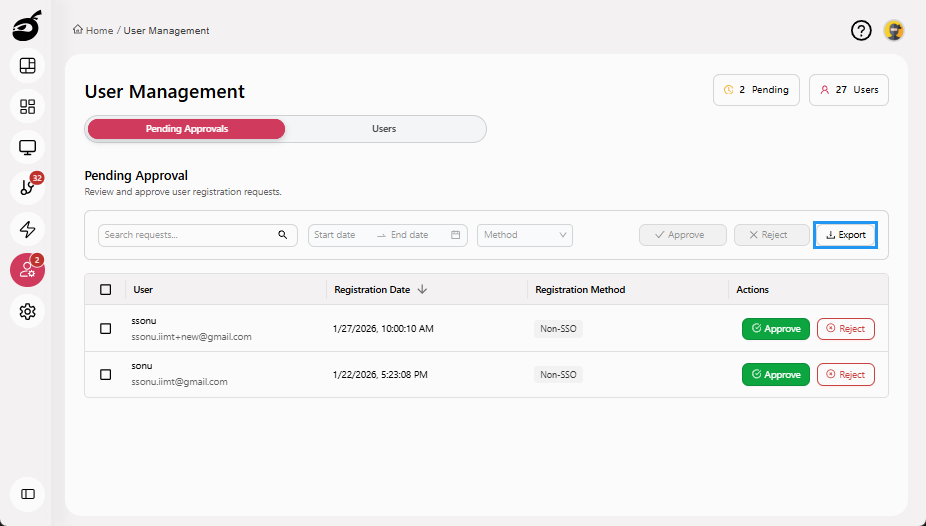
Click Export. A CSV file containing the current list of users awaiting approval is automatically generated and downloaded.
Export All Users Log
-
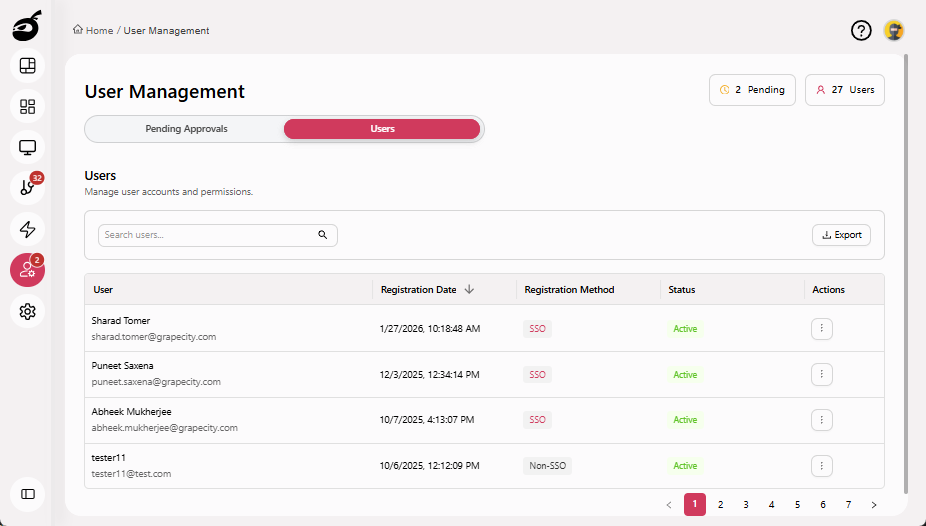
Go to the Users tab.
-
Click Export. A CSV file containing the current list of all the users is automatically generated and downloaded.