Configure and Deploy with Kubernetes
KubernetesKubernetes (K8s) is an open-source container management platform that automates the deployment, scaling, and management of containerized applications. provides a scalable and automated way to deploy, manage, and orchestrate BuildNinja Server and Agent across multiple environments. Using containerized deployments on Kubernetes ensures high availability, simplified scaling, and consistent performance for large or distributed teams.
Prepare Project Structure
Organize the project directory using the following recommended structure:
project/
└── k8s/
    ├── server-deployment.yaml
    ├── agent-deployment.yaml
    ├── server-service.yaml
    └── agent-service.yaml
- k8s/: Contains Kubernetes manifests for deployments and services.
Create and Deploy Kubernetes Deployment Manifests
-
Create a deployment file for the server.
server-deployment.yamlapiVersion: apps/v1 # Specifies the Kubernetes API version for Deployments.
kind: Deployment # Defines the kind of resource as a Deployment.
metadata:
name: server-deployment # Name of the deployment.
spec:
replicas: 1 # Number of pod replicas to run.
selector:
matchLabels:
app: server # Selector to match pods with label 'app: server'.
template:
metadata:
labels:
app: server # Labels assigned to pods created by this deployment.
spec:
containers:
- name: server # Name of the container.
image: grapehub/buildninja-server:latest # BuildNinja server image with the specified tag.
imagePullPolicy: Always # Always pulls the image, even if it is already present locally.
ports:
- containerPort: 8800 # Container listens on port 8800.
env:
- name: BN_SERVER_PORT # Server port environment variable.
value: "8800"
- name: BN_SERVER_MONGOURI # MongoDB connection URI (to host machine MongoDB).
value: "mongodb://host.docker.internal:27017"
- name: BN_SERVER_MONGODB # MongoDB database name used by the server.
value: "bn_server_stage" -
Create a deployment file for the agent.
agent-deployment.yamlapiVersion: apps/v1 # Kubernetes API version for Deployment resources.
kind: Deployment # Specifies this is a Deployment resource.
metadata:
name: agent-deployment # Name of the deployment.
spec:
replicas: 1 # Number of pod replicas to maintain.
selector:
matchLabels:
app: agent # Selector to match pods with the label 'app: agent'.
template:
metadata:
labels:
app: agent # Label assigned to the pod template (used by selector and services).
spec:
containers:
- name: agent # Name of the container inside the pod.
image: grapehub/buildninja-agent:latest # BuildNinja agent image with the specified tag.
imagePullPolicy: Always # Always pulls the image, even if it is already present locally.
ports:
- containerPort: 9500 # Port the agent listens on inside the container.
env:
- name: BN_AGENT_NAME # Agent identifier.
value: "agent-linux-01"
- name: BN_AGENT_PORT # Port the agent listens on.
value: "9500"
- name: BN_AGENT_SERVER_URL # Server URL the agent connects to (internal Kubernetes service name).
value: "http(s)://<your-server-machine-ip>:30000"
- name: BN_AGENT_SELFURL # Public URL used by the server to reach this agent.
value: "http(s)://<your-agent-machine-ip>:30001"infoFor more information on environment variables, see Set Up Environment VariablesThe BuildNinja Server and Agent rely on environment variables to define their configuration and communication parameters. These variables determine how the server manages builds, connects to the database, and handles aut….
-
Apply the deployment configurations to your Kubernetes cluster.
# Deploy Server to the Kubernetes cluster.
kubectl apply -f k8s/server-deployment.yaml

# Deploy Agent to the Kubernetes cluster.
kubectl apply -f k8s/agent-deployment.yaml
Mapping a persistent host volume to the container’s BN_SERVER_DATA_DIR ensures that the server retains generated assets across restarts. Since container filesystems are ephemeral by default, any runtime data not stored in a mapped volume will be lost when the container restarts.
Create and Deploy Kubernetes Service Manifests
-
Create a service file for the server.
server-service.yamlapiVersion: v1
kind: Service
metadata:
name: server-service # Name of the service.
spec:
selector:
app: server # Targets pods with the label 'app: server'.
ports:
- protocol: TCP # Protocol used by the service.
port: 8800 # Port exposed by the service.
targetPort: 8800 # Port on the pod that traffic is forwarded to.
nodePort: 30000 # The external port exposed on the node.
type: NodePort # Exposes the service on a static port on each Node's IP. -
Create a service file for the agent.
agent-service.yamlapiVersion: v1
kind: Service
metadata:
name: agent-service # Name of the service.
spec:
selector:
app: agent # Targets pods with the label 'app: agent'.
ports:
- protocol: TCP # Protocol used by the service.
port: 9500 # Port exposed by the service.
targetPort: 9500 # Port on the container the traffic is forwarded to.
nodePort: 30001 # The external port exposed on the node.
type: NodePort # Exposes the service on a static port on each node's IP. -
Apply the Kubernetes service configurations to expose the Server and Agent.
# Create the Kubernetes Service for the Server to expose it on a NodePort
kubectl apply -f k8s/server-service.yaml

# Create the Kubernetes Service for the Agent to expose it on a NodePort
kubectl apply -f k8s/agent-service.yaml
Access BuildNinja Web Interface
-
Open a browser and visit
http(s)://<your-server-machine-ip>:30000.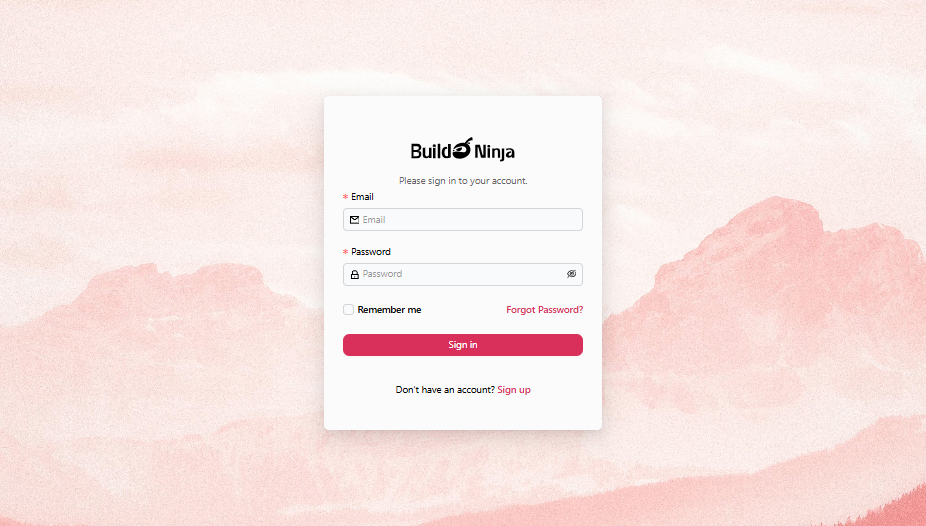
-
Use the default administrator credentials to sign in:
- Email:
root - Password:
root@123
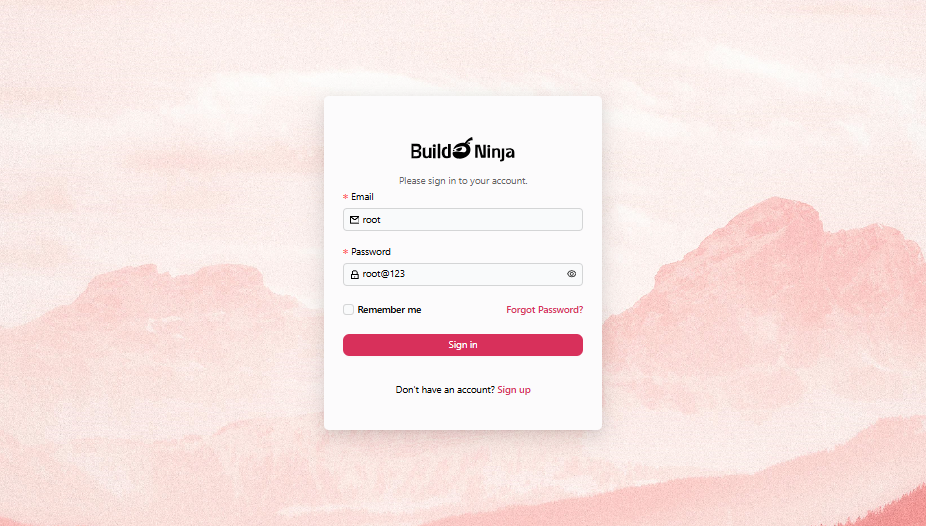
- Email:
-
Click Sign in to continue.
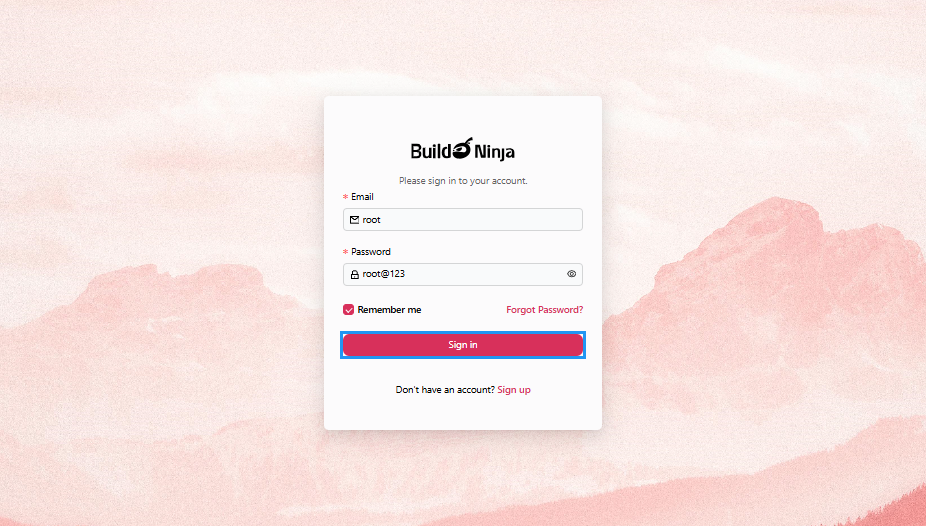
-
After signing in, the "Sign-in" page will prompt you to reset the password. Enter the following details:
- Current Password: The default administrator password.
- New Password: Enter a strong password for your account, at least 8 characters with a combination of letters, numbers, and special characters.
- Confirm New Password: Enter the password you have entered in the "New Password" field.
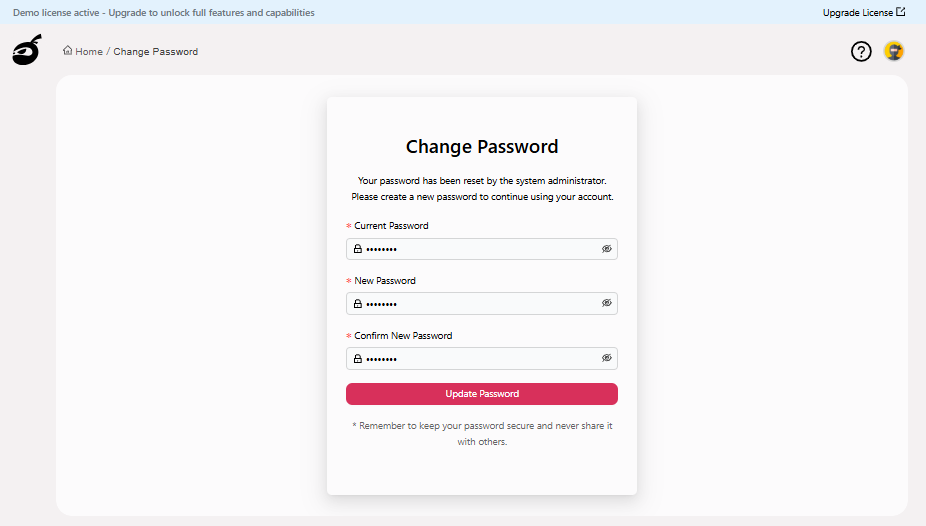
-
Click Update Password to reset the password.
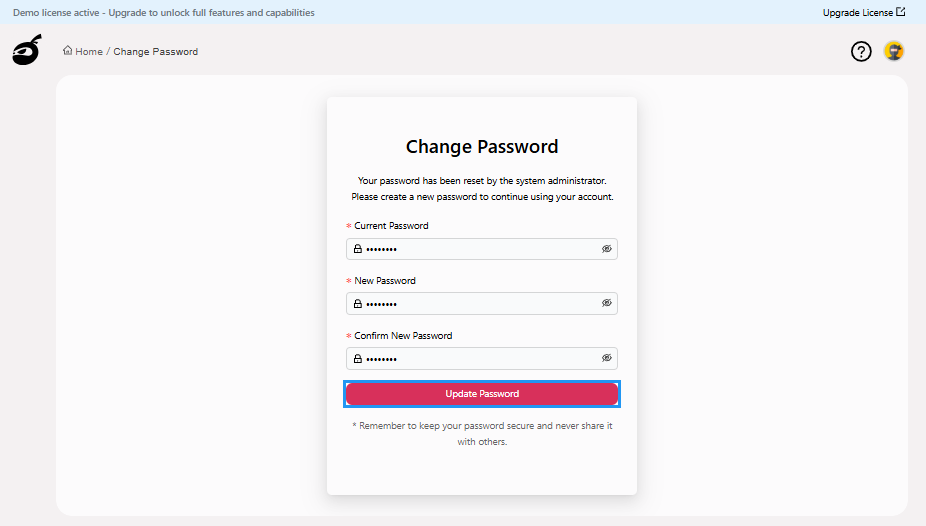 After successfully resetting your password, BuildNinja will automatically redirect you to the Dashboard
  .
.
Verify Agent Registration
The agent attempts to register itself with the server using the provided details. If the registration is successful, the server UI displays the agent in the Agents  section.
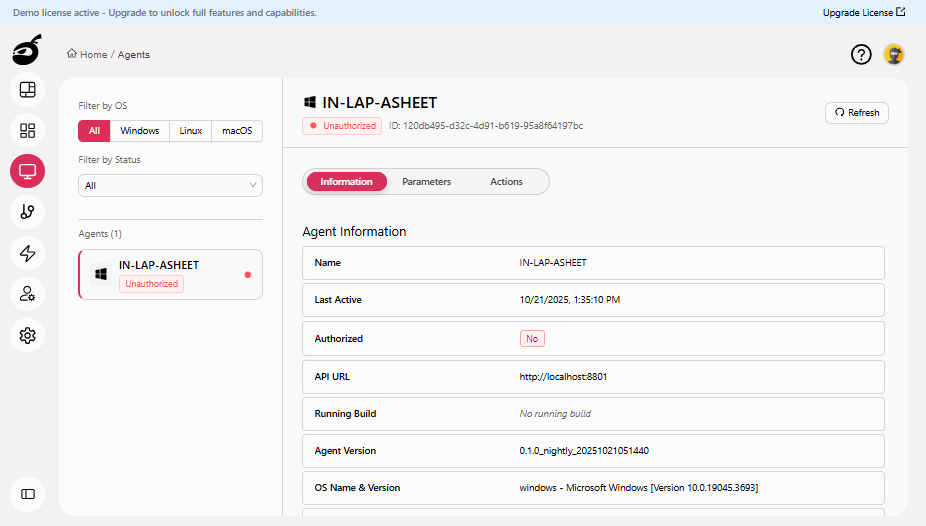
For instructions on authorizing the agent, see Authorize AgentWhen a new agent first registers with the BuildNinja server, it appears in the Agents interface in an unauthorized state. To authorize a newly registered agent: 1..